
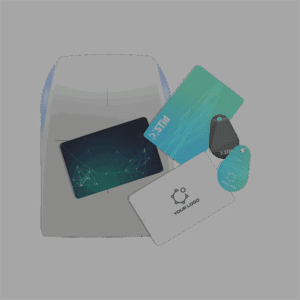

Connecting the encoder :
- Connect a compatible UHF encoder to the PC (example: STR-Wx5-E/U04-5AA/1).
- Check that the firmware is up to date and compatible with ULTRYS v2.
Data preparation :
- Import a list of identifiers from an Excel or TXT file.
- Check that the formats of the identifiers match the reader’s requirements.
Tag encoding :
- Place the tag or badge on the UHF encoder.
- Start encoding using the ULTRYS interface.
- Observe the encoder’s sound and light signals to confirm the success of the operation (green for success, red for error).
Validation:
- Test the encoded tag with a reader to ensure compatibility.