

Security should protect people. It should not create new barriers.
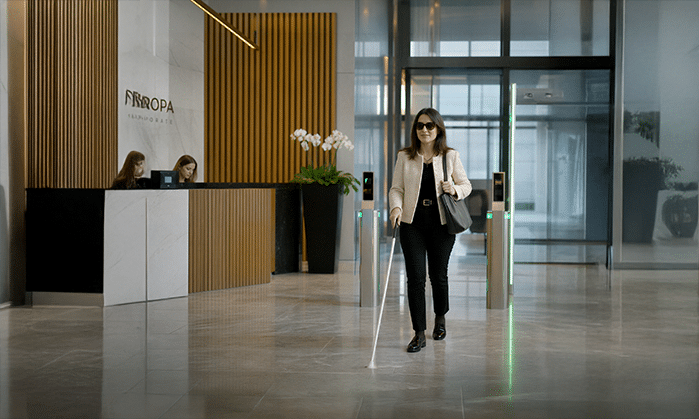
Every day, millions of people interact with access control readers almost without thinking about it. Present a credential, receive confirmation and enter. But what feels simple and intuitive for most users can become a very different experience for someone with a visual impairment. Where is the reading area? Has my credential been detected? Has access been granted or denied? Which key am I pressing? Accessibility cannot be an afterthought. With Architect® II, it is considered from the earliest stages of product development to create a more intuitive and inclusive access experience for everyone. This is Inclusive by design.
Designing access around people
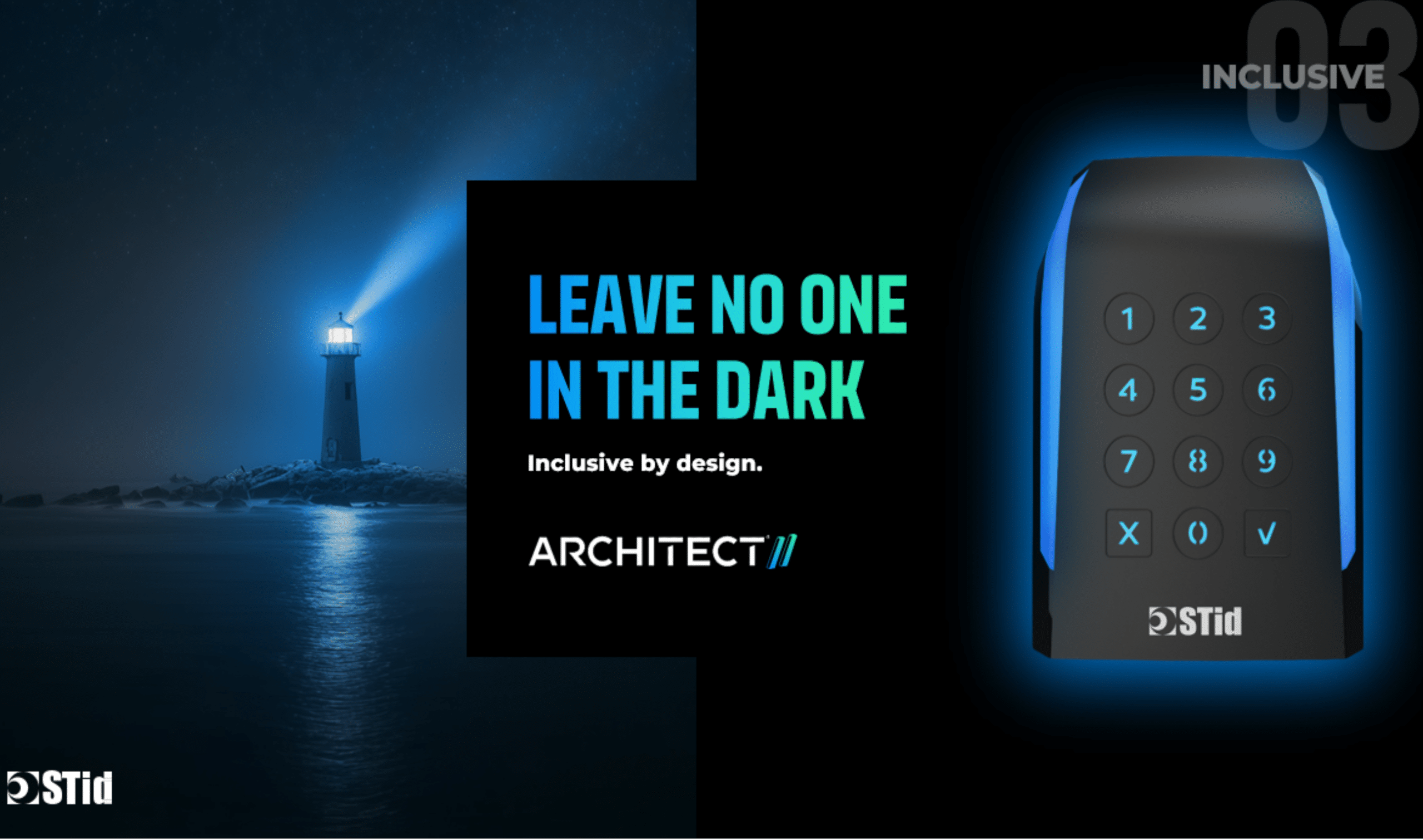
Making an access control reader accessible means understanding how different people actually interact with it. Architect® II combines several accessibility features designed to provide users with clear and intuitive feedback, regardless of how they perceive or interact with the reader. Dedicated visually impaired modes can adapt the reader experience, while audio guidance provides an additional way to understand what is happening during an access interaction. On keypad models, tactile markers help users locate and identify keys through touch, making everyday interactions easier for people with limited or no vision. Because something as simple as entering a PIN should be simple for everyone.
See it. Hear it. Feel it.
There is no single way to interact with an access control reader. That is why Architect® II combines visual, audio and tactile feedback to make information easier to perceive and understand. Its 14 individually controlled LEDs provide clear visual feedback and allow the reader to create more intuitive interaction scenarios. Audio guidance complements visual information, while tactile elements provide physical reference points when sight cannot be relied upon. Together, these different forms of feedback help make each interaction clearer — from presenting a credential to understanding whether access has been granted or denied.
See it. Hear it. Feel it. Access should adapt to the user, not the other way around.
Accessibility starts before the product
Inclusive design is not simply about adding accessibility features once a product has already been developed. It starts by understanding the people who will actually use it. Architect® II’s accessibility features were developed in collaboration with specialized organizations. This approach helped turn real-world needs and feedback into concrete design choices. Because designing for users is important. Designing with them is even better.
Better accessibility. Better experience for everyone.
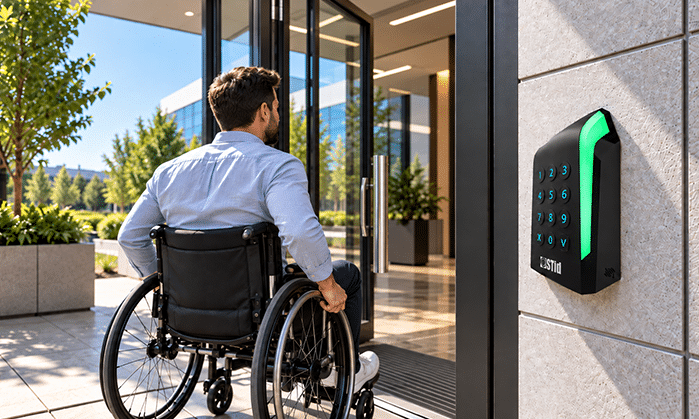
Inclusive design benefits more than the people it was originally intended to support. Clearer feedback, intuitive interactions and multiple ways of communicating information can improve the experience for every user. A noisy environment can make audio feedback difficult to hear. Bright sunlight can make visual signals harder to see. Gloves, temporary injuries or different working conditions can change the way someone interacts with a reader. Providing several complementary forms of feedback makes the access experience more robust across different users, situations and environments. Accessibility therefore becomes more than a specific feature
It becomes part of a better user experience.
Leave no one in the dark.
Access control technology has one fundamental purpose: allowing the right people to access the right place. How they see, hear or interact with technology should not become an unnecessary obstacle. That is why Architect® II integrates accessibility directly into its design — combining dedicated visually impaired modes, audio guidance, tactile markers and adaptable visual feedback to create an experience that is clearer and more intuitive for everyone. Because secure access should not mean creating barriers.
It should mean removing them.
Designed with users. Designed for everyone.
Inclusive by design.
Discover our taylor made solutions
Explore solutions specifically developed to support your day-to-day operational and security needs
Similar articles
-
 All Products
What if your access control reader could evolve at your own pace?
Discover Architect® II, the access control reader designed to evolve with your needs, embrace new technologies and deliver a simpler, more secure and future-ready experience.
-
All Products
What if secure access was truly accessible to everyone?
Discover how Architect® II puts accessibility at the heart of access control, combining visual, audio and tactile feedback to create a more intuitive and inclusive experience for everyone.
-
 All Products
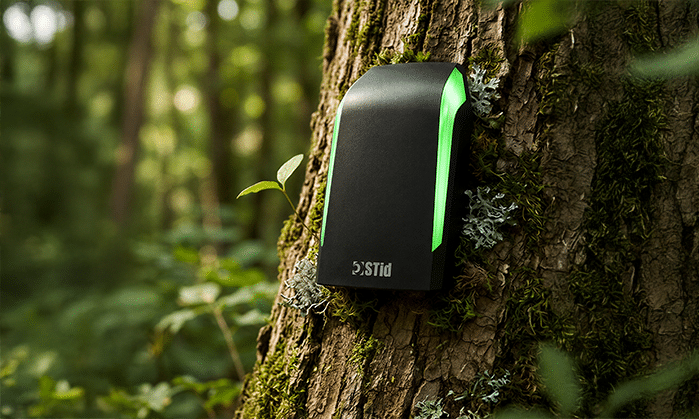
What if a more sustainable access control reader started by consuming less?
Discover how Architect® II combines lower energy consumption, modular design and software-enabled evolution to extend product life, reduce unnecessary hardware replacement and minimize environmental impact throughout its lifecycle.
-
 All Products
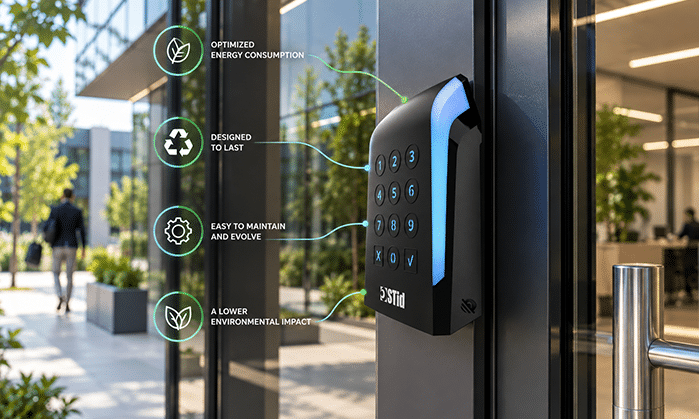
What if access control could be simpler at every step?
Discover how Architect® II makes access control simpler at every step, from installation and integration to configuration, deployment and everyday use, supported by STid tools and services throughout the entire lifecycle.
-
 All Products
What if your access control reader could anticipate tomorrow’s threats?
Discover Architect® II, the access control reader designed to anticipate evolving threats, adapt to new security requirements and deliver long-lasting protection for your access control infrastructure.
-
 All Products
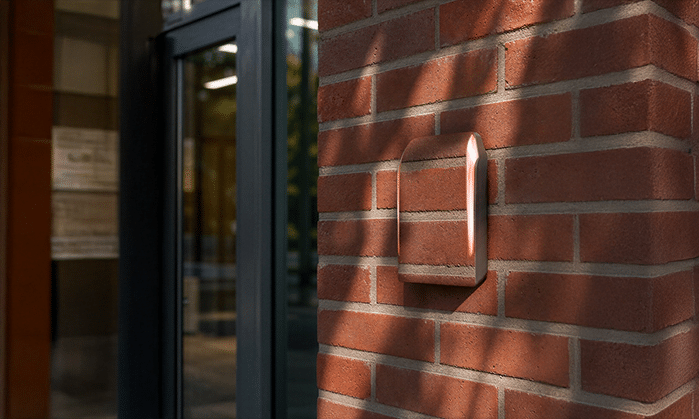
What if your access control reader became a true expression of your identity?
Discover how Architect® II turns access control into an expression of your identity, combining customizable design, colors, materials, lighting and interactions to create a unique experience that reflects your brand.
-
 All Products
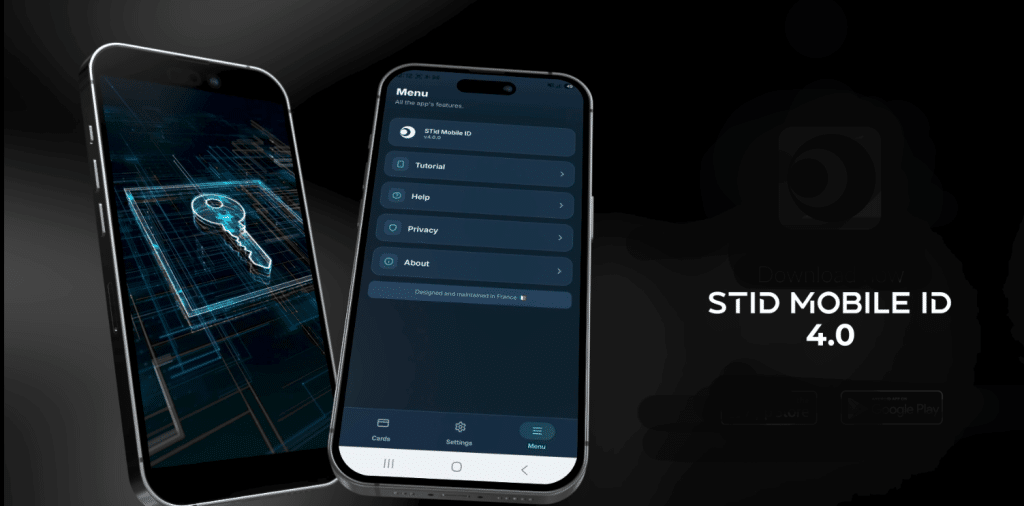
STid Mobile ID evolves : new design, new features, new experience
Discover STid Mobile ID’s new version : new user experience, new features – an evolution designing a new era for mobile access.
-
 All Products
UHF : How Can You Identify Every Vehicle on Your Site?
Discover how our UHF readers allows an authentication of all type of vehicles thanks its unique technology
-
 All Products
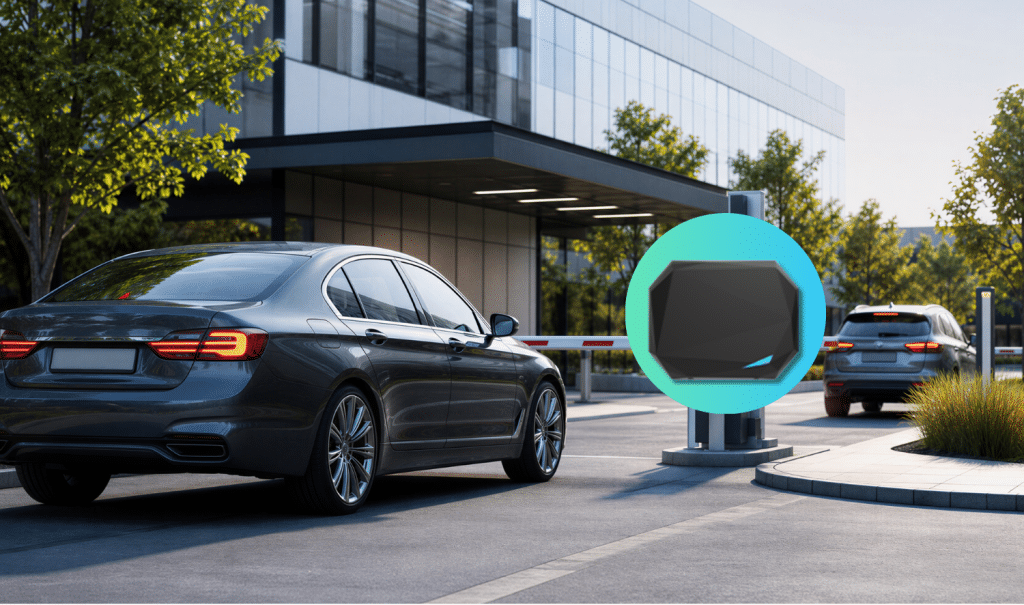
UHF Visitor Management: How Can You Secure Vehicle Access Without Creating Queues?
Discover how our UHF readers optimise your visitor access management – without any security issue.
-
 All Products
UHF Vehicle Access: How Can You Streamline Entry Without Compromising Security?
Discover how our UHF readers help you to streamline your vehicle accesses without compromising your security.
Need help? Contact us
Still looking for product information? Start by consulting our FAQ.
Still no answer? Don’t hesitate to contact us